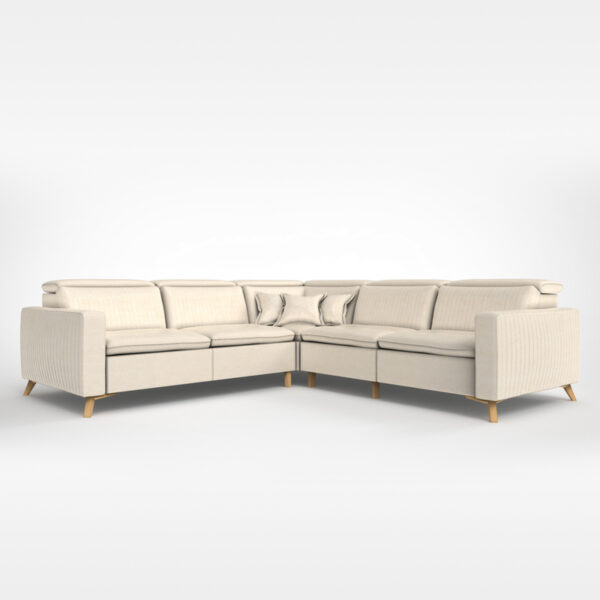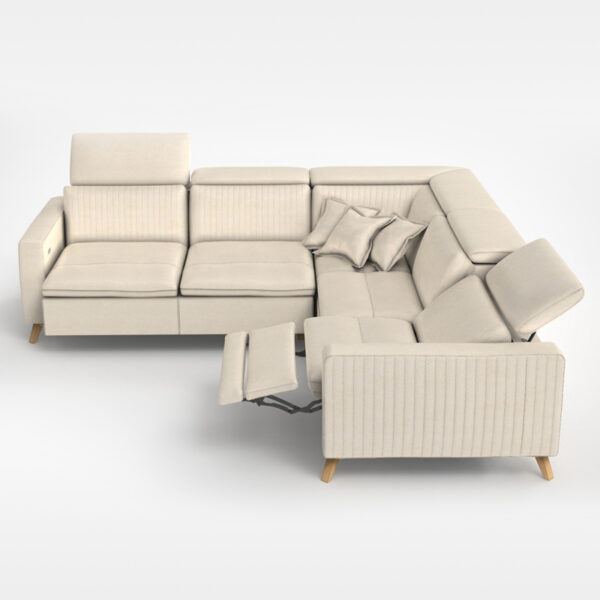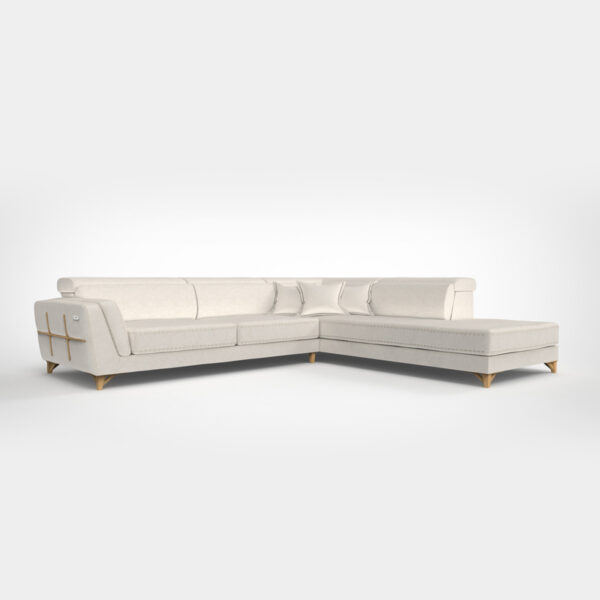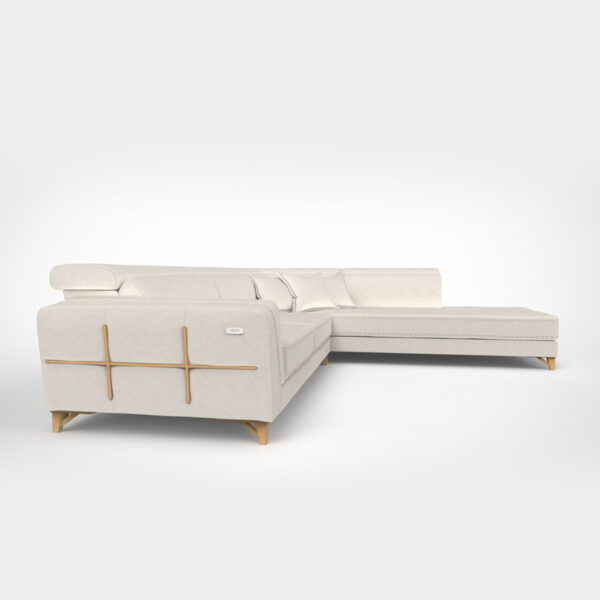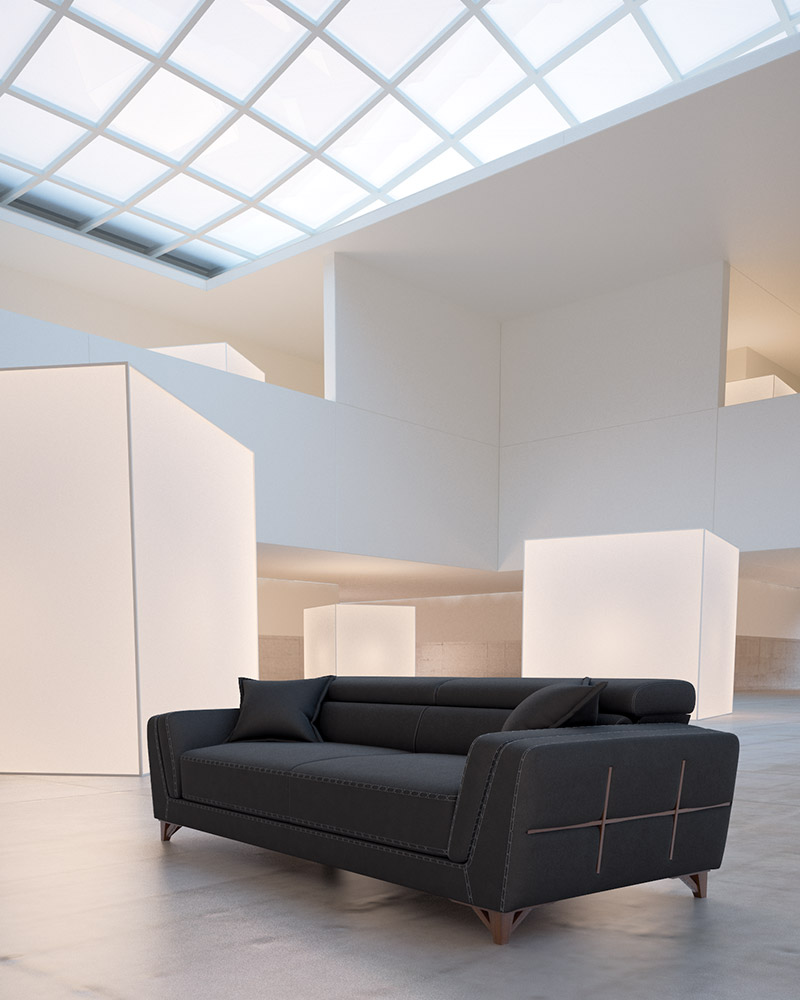


















The Redwood TV Console is a low-profile media unit designed for modern living rooms and entertainment spaces. Its wide, horizontal form creates a strong visual anchor beneath a television while keeping the space feeling open and refined.
Clean surfaces, warm tones, and subtle metallic accents make it suitable for both contemporary and upscale interiors.


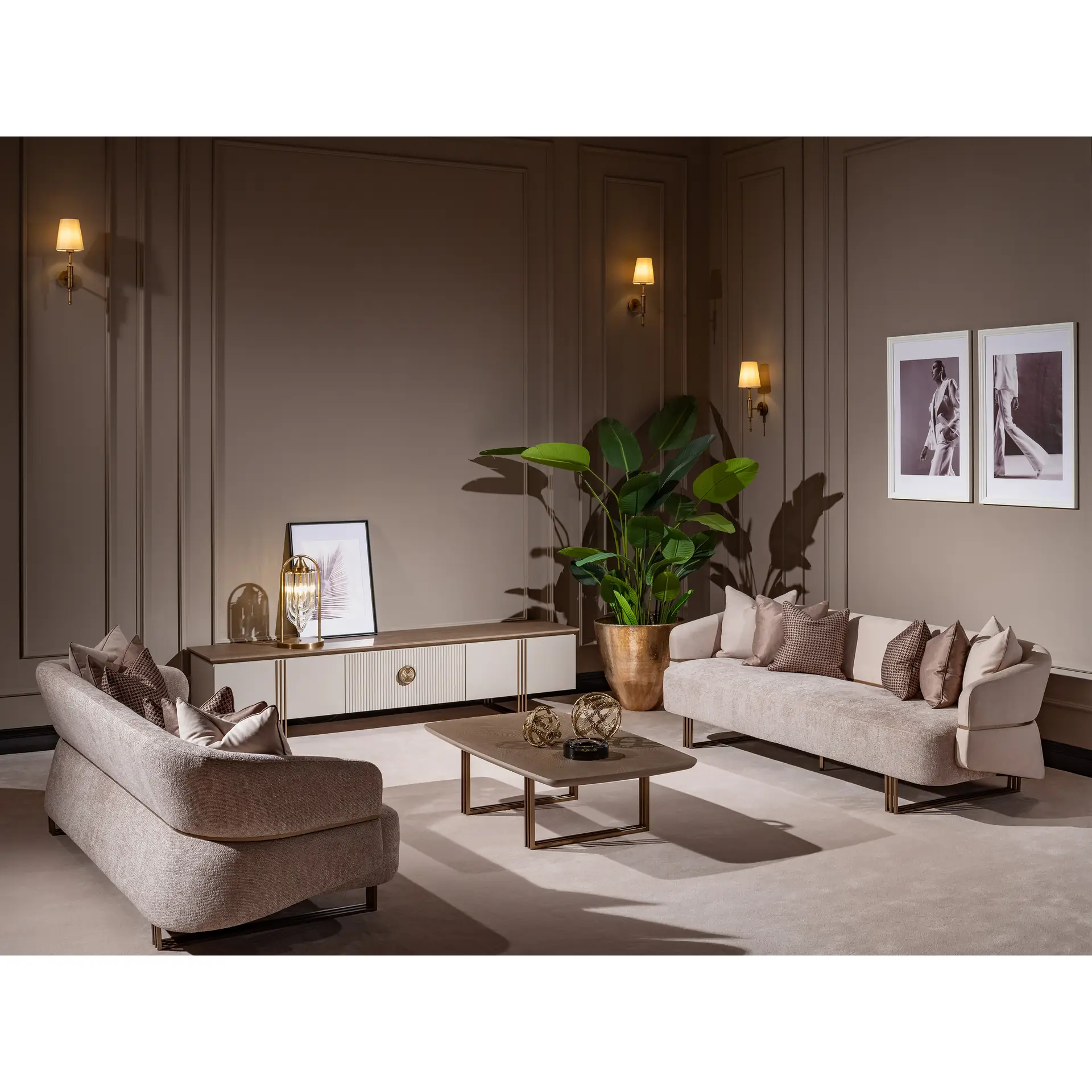


Redwood TV Console
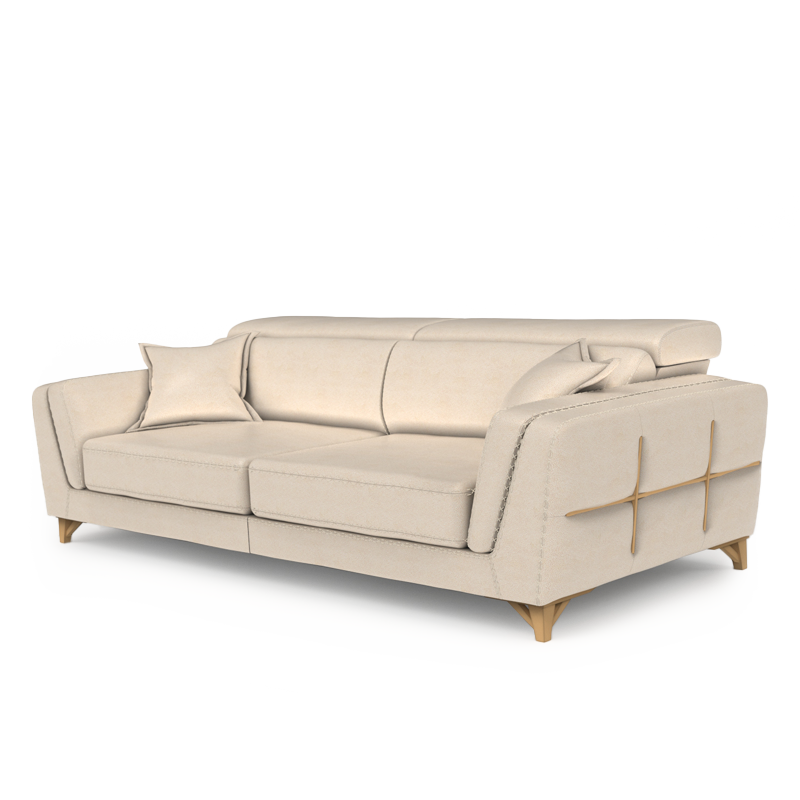
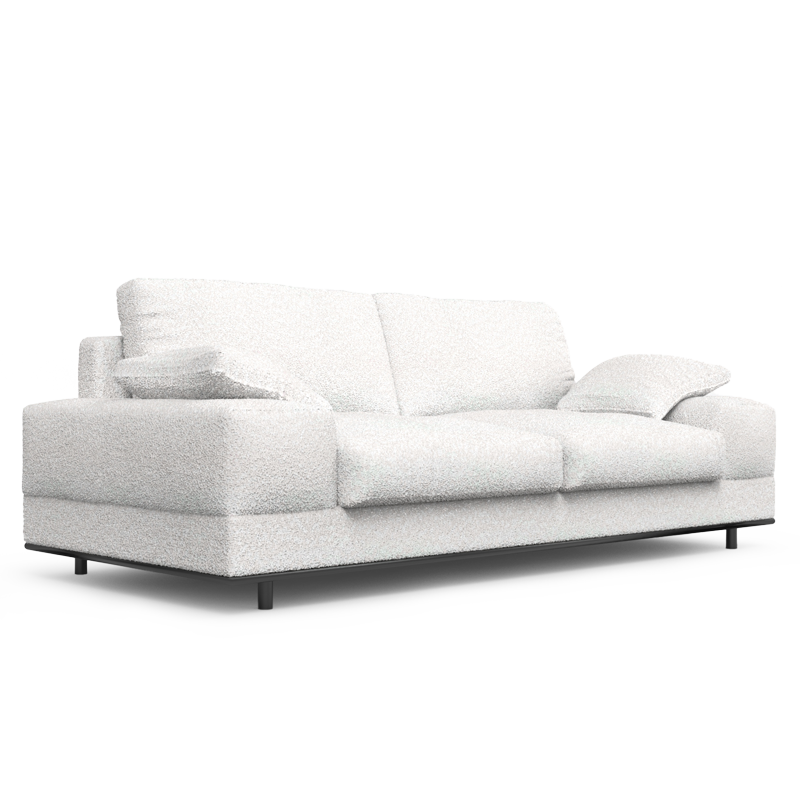
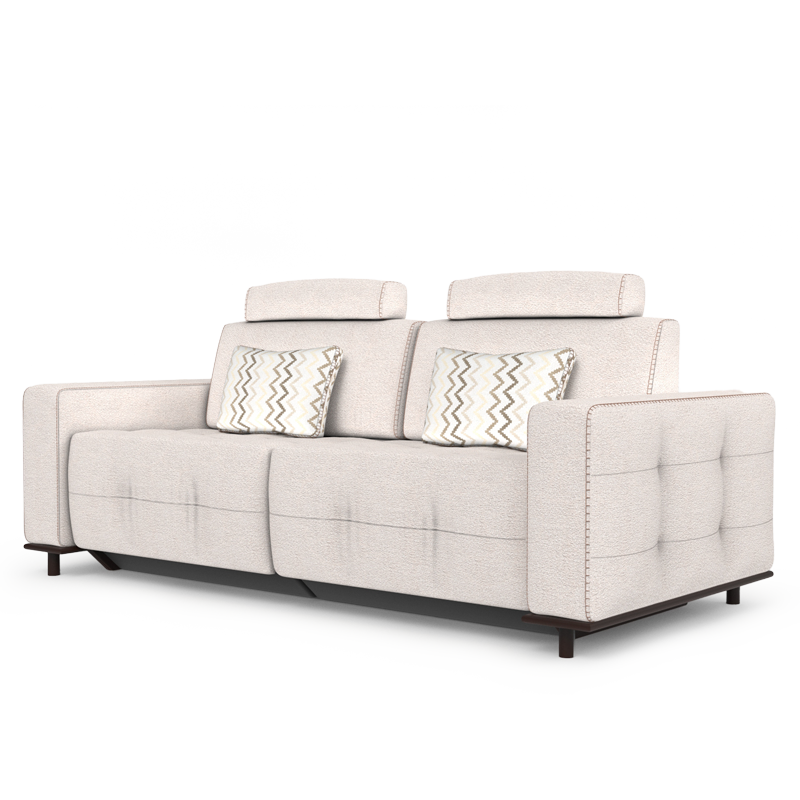
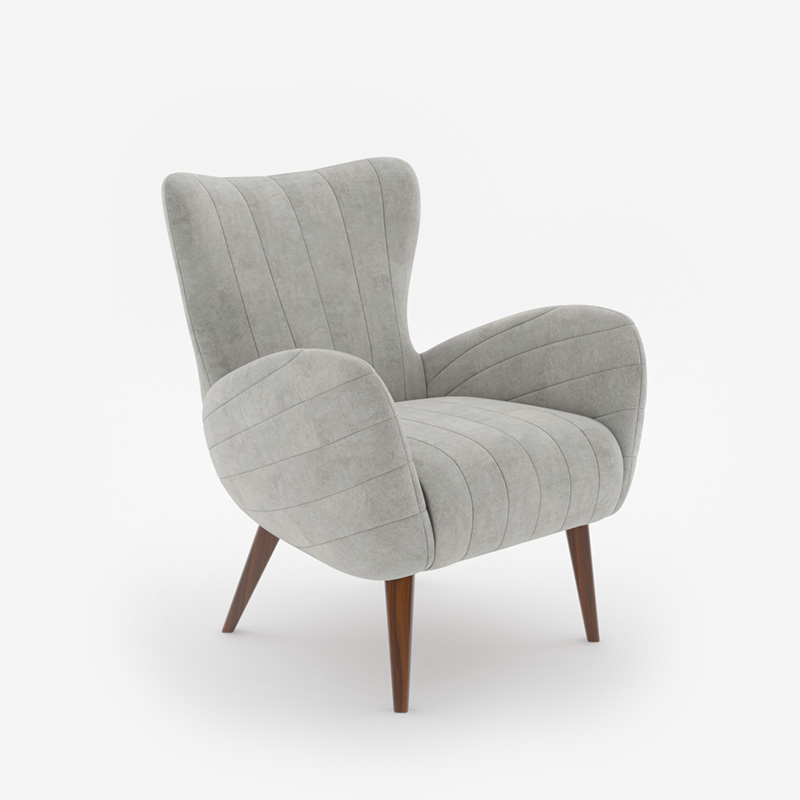
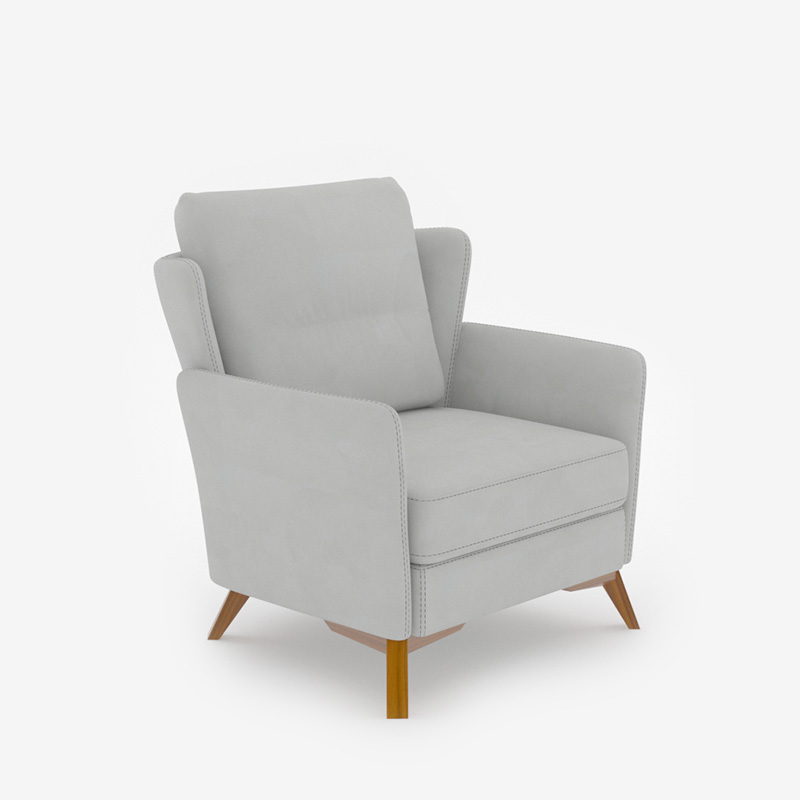
Redwood Collection is a refined furniture collection designed for modern living and dining spaces.
Soft neutral upholstery, gently sculpted forms, and warm metallic accents create a calm, cohesive atmosphere throughout the home.
Balanced proportions and understated detailing make Redwood an ideal choice for contemporary Canadian interiors that value comfort, elegance, and timeless design.
Dimension
| Width: | 240 cm | 94.5 in |
| Depth: | 50.5 cm | 19.9 in |
| Height: | 54 cm | 21.3 in |
Features
- Wide, low silhouette creates a balanced and grounded look under large TVs
- Clean front design with a central textured panel adds visual interest without clutter
- Elevated on slim metal legs to maintain an airy, light appearance
- Neutral color palette allows easy coordination with sofas, accent chairs, and rugs
Details
- Product type: TV Console / Media Console
- Design style: Modern contemporary
- Configuration: Three front panels
- Base: Exposed metal legs
- Finish: Light neutral body with warm wood-tone top surface
- Collection: Part of the Patra Collection
- Fabric dye lots may vary; pieces purchased at different times may not match exactly
- Manufacture's warranty included.