Levida Furniture

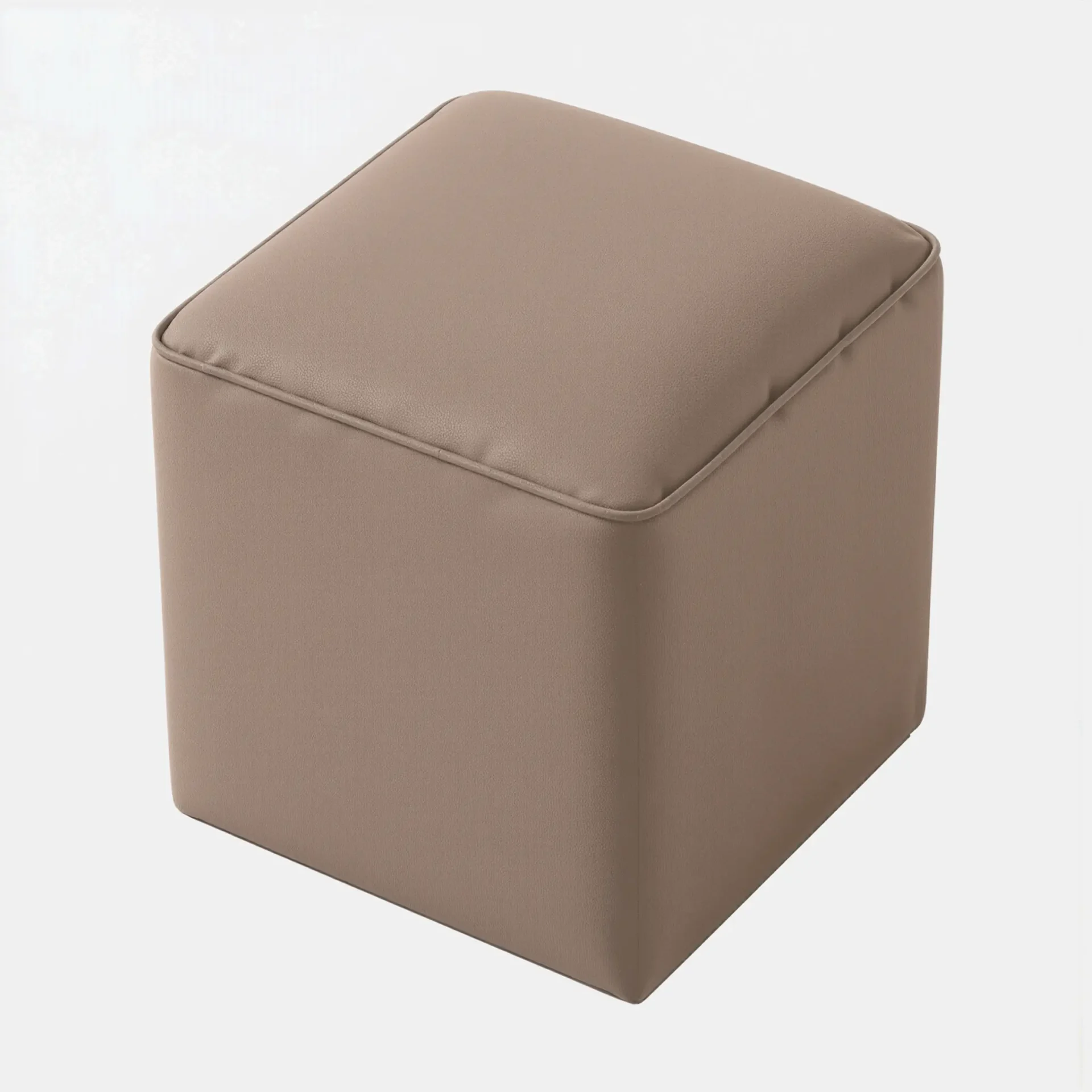
Balder Ottoman

The Balder Ottoman is a clean, versatile accent designed for modern Canadian interiors.
Its simple cube shape and softly upholstered finish create a calm, understated look that blends easily into a variety of living spaces.
Perfect as a footrest or an extra seat, Balder adds everyday comfort without taking visual space.

Width 40 cm | 15.7 in
Depth 40 cm | 15.7 in
Height 45 cm | 17.7 in

  • Clean, cube-shaped design that suits contemporary and modern homes
  • Soft upholstered finish provides comfortable, supportive seating
  • Compact footprint ideal for condos, apartments, and smaller rooms
  • Versatile functionality as a footrest, occasional seat, or accent piece
  • Neutral styling that pairs naturally with sofas, lounge chairs, and beds

  • Product type: Ottoman
  • Shape: Square
  • Upholstery: Upholstered fabric
  • Construction: Fully padded
  • Recommended use: Living rooms and bedrooms
  • Finish Variation Notice: Wood finishes may vary; pieces purchased at different times may show slight tonal variation
  • Warranty: Manufacturer’s warranty included
no thank
Image Newletter
Select the fields to be shown. Others will be hidden. Drag and drop to rearrange the order.
  • Image
  • SKU
  • Rating
  • Price
  • Stock
  • Availability
  • Add to cart
  • Description
  • Content
  • Weight
  • Dimensions
  • Additional information
Click outside to hide the comparison bar
Compare
Accent Chair
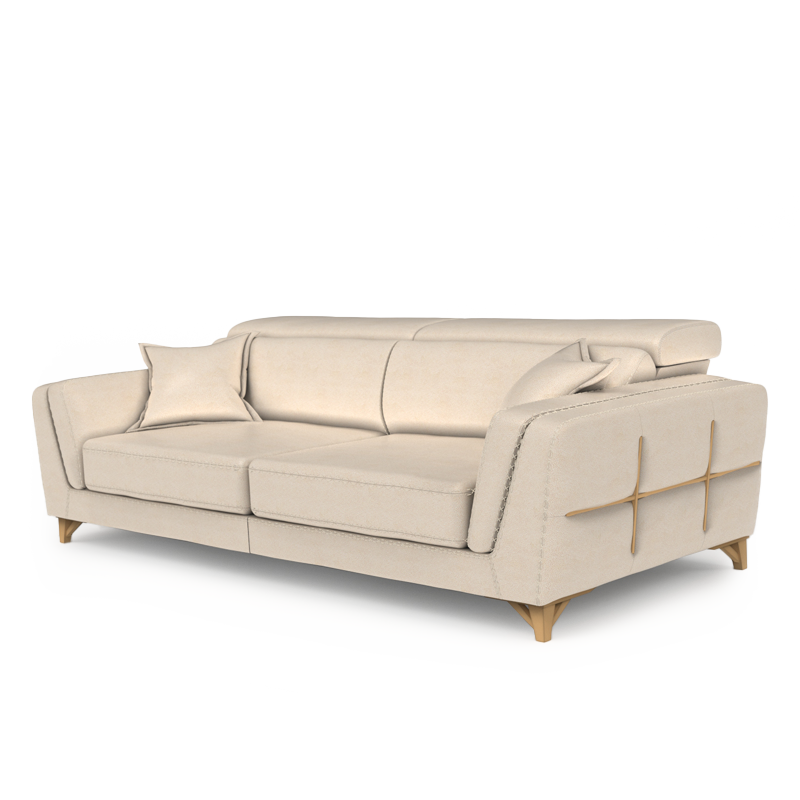
Sofa
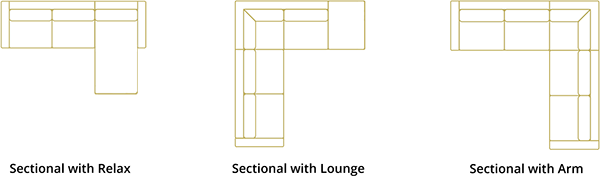
Sectional Relax
Sectional Loung
Sectional With Arm

We Are Here To Help

Thank You!

Thank you for submitting the Customer Service form. One of our Customer Service associates will get back to you, soon.

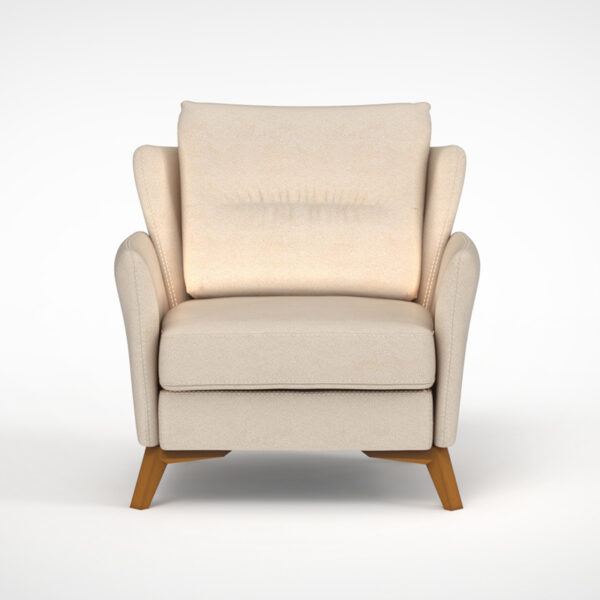
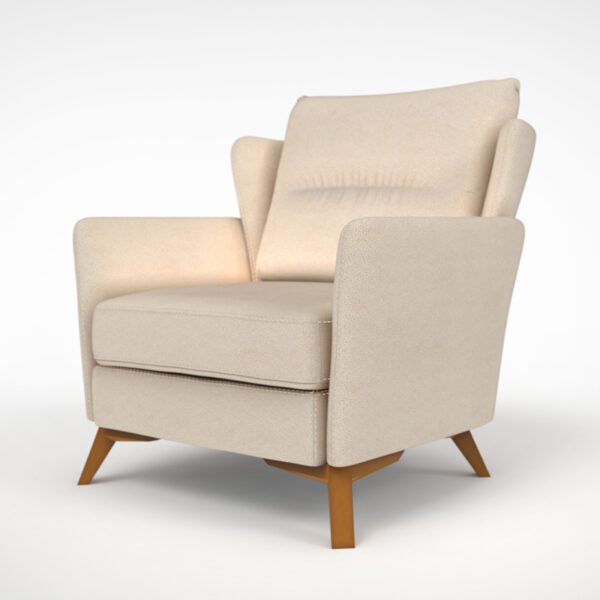
Astrid Accent Chair

How to Use 3D View of Product:

  1. On PC/Mac:

    • Click and drag the mouse to rotate the product.
    • Use the scroll wheel to zoom in and out.
    • Right-click and drag to move the product horizontally and vertically.
  2. On Tablet/Mobile/Touch Screens:

    • Swipe your finger across the screen to rotate the product.
    • Pinch or spread two fingers to zoom in and out.
    • Tap and drag with one finger to move the product horizontally and vertically.

View in Your Room with Augmented Reality (AR):

    • Click the “AR” button to view the product in your real room.
    • Follow on-screen instructions to scan your surroundings.
    • Pinch to resize the product, and drag to place it in your desired spot.

Tips:

  • Ensure good lighting for the best AR experience.
  • Explore different angles by moving around the product.
  • Look for shadows and reflections for a more realistic view.

Enjoy the immersive AR experience with your product!

Levida Furniture.